
App details
| App name | Sindh Youth Card |
|---|---|
| Run by | Sports & Youth Affairs Department, Government of Sindh |
| Published on Google Play by | Sapphire Consulting Services |
| Listing last updated | 18 November 2026 |
| Platform | Android, on Google Play |
| iPhone version | Not announced |
| Price | No fee is mentioned on the portal or the app listing |
| Used for | Registration, biometric verification, your digital card and benefits |
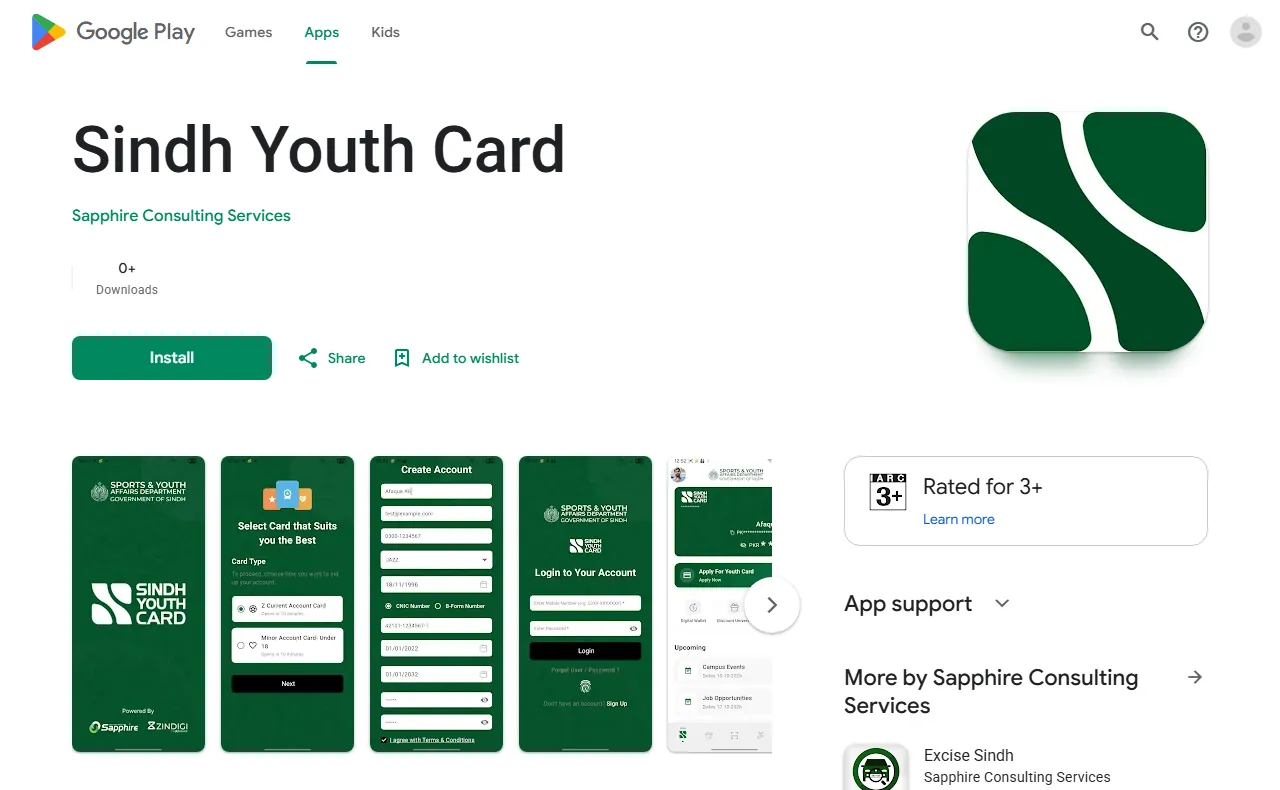
How to download the app
- Start from the official portalOpen the official registration page and scan the QR code, or tap Download on Google Play. This is the safest route because it always points to the real app.
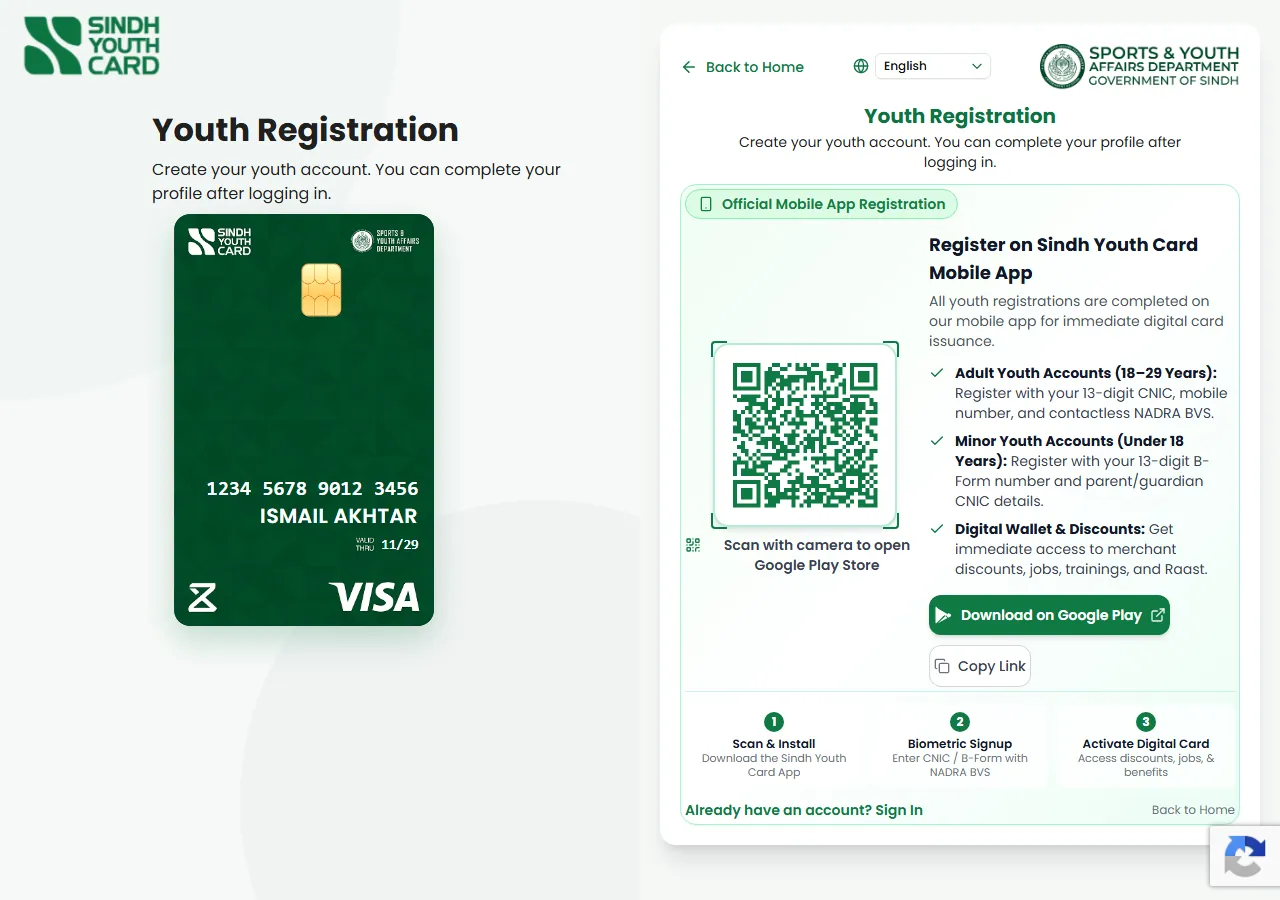
Scan this QR code on the official registration page. - Or search Google PlaySearch for "Sindh Youth Card" and check the listing matches the one linked above before you install.
- Tap InstallWait for the download to finish, then open the app.
- Allow the permissions it needsThe camera is used for biometric verification.
Sign up in the app
Tap Sign Up, choose your card type, then fill in the Create Account form. After NADRA biometric verification your digital card is activated. The full walkthrough is in the online registration guide.
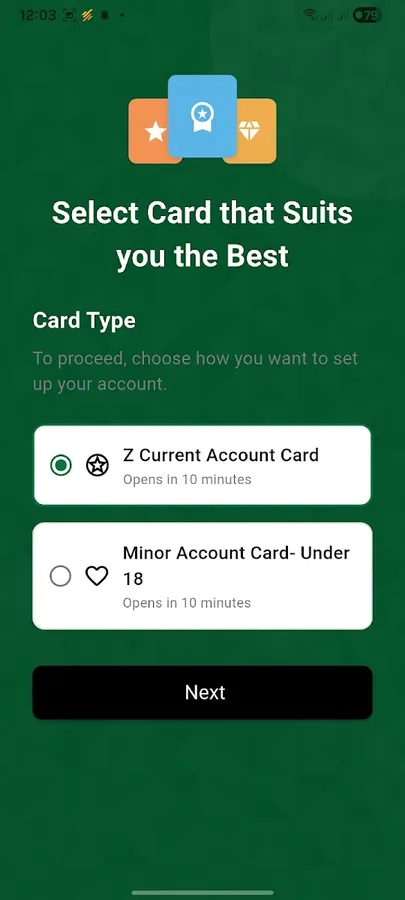
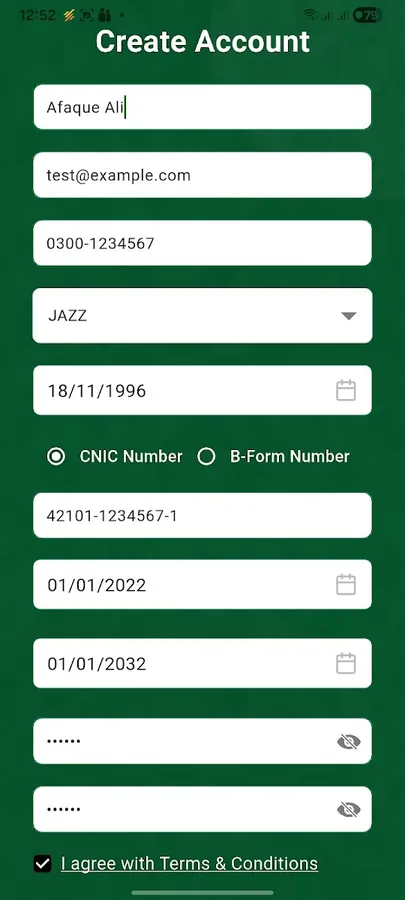
From the official app's Google Play listing.
App login
Once registered, log in with your mobile number and password to see your digital card and benefits. The login screen has a Forget User / Password? link if you cannot remember your details. The official website also has a Sign In link, which is where you complete your profile after registering.
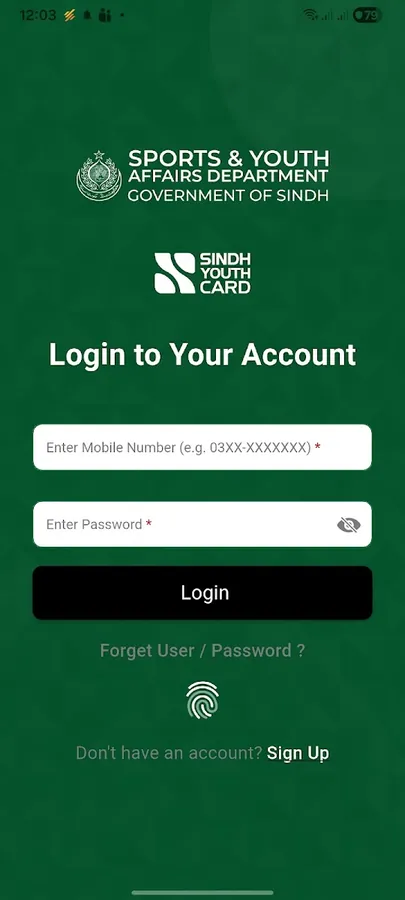
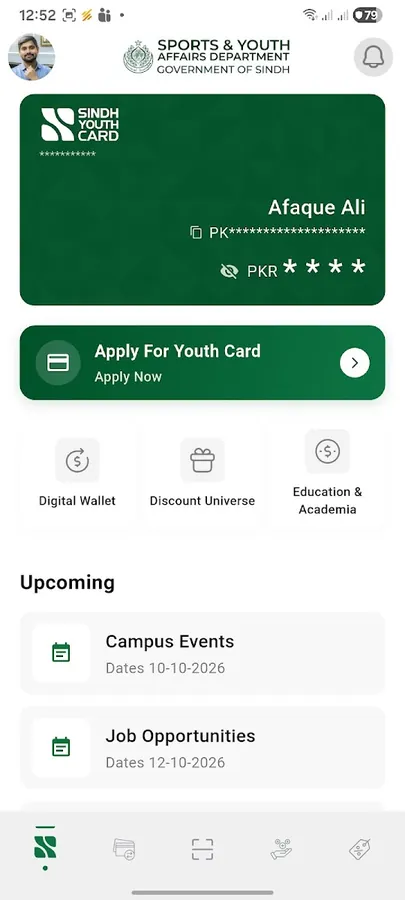
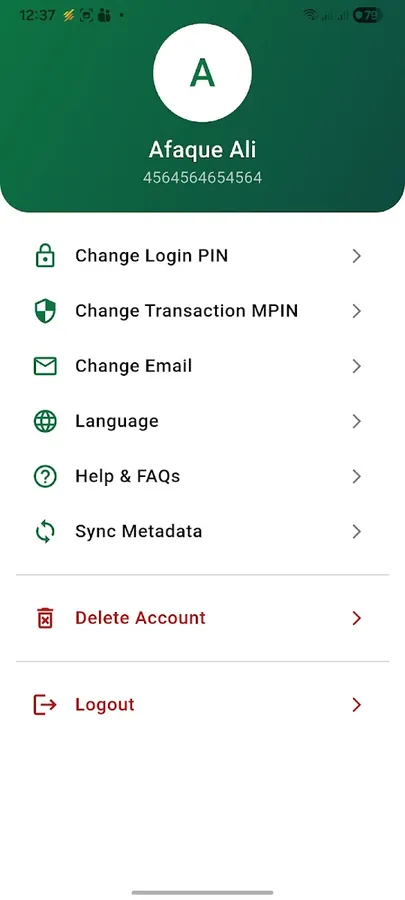
From the official app's Google Play listing.
Your digital card
The Sindh Youth Card is digital. It is issued in the app as soon as verification passes, and you show it from your phone. No official source mentions a printed card, a download as PDF or courier delivery.
APK downloads: avoid them
Websites offering a "Sindh Youth Card APK" are not official. A modified APK can read what you type, including your CNIC number. Install only from Google Play, and never share your OTP, PIN or password with anyone.
App not working? Try this
| Problem | What to try |
|---|---|
| App not opening | Update it on Google Play, restart your phone, and check you have free storage. |
| Server error or endless loading | Heavy traffic is likely in launch week. Try again later, or switch between Wi-Fi and mobile data. |
| Biometric verification failed | Use good light and a clean camera. If it still fails, your NADRA record may need updating. |
| App not available for your device | Your Android version may be too old. Try a newer phone, such as a family member's, with your own details. |
| Cannot log in | Check the mobile number you registered with, then tap Forget User / Password? on the login screen. If that fails, call the helpline. |
Still stuck? The helpline is 021-99203009.
Frequently Asked Questions
What is the official Sindh Youth Card app?
It is the app named Sindh Youth Card on Google Play, linked from the registration page of the official portal, sindhyouthcard.gos.pk.
Is there a Sindh Youth Card app for iPhone?
No iOS or App Store version has been announced. The official registration page links only to Google Play.
Should I download the Sindh Youth Card APK?
No. APK files from other websites can be modified to steal your CNIC and banking details. Install only from Google Play.
How do I log in to my Sindh Youth Card account?
Open the app and log in with your registered mobile number and password. You can also tap Sign In on the official portal to complete your profile.
Sindh Youth Card app kaise download kare?
Official portal par Register dabayen aur QR code scan karen, ya Google Play par Sindh Youth Card app khol kar Install dabayen. Kisi aur website se APK download na karen.
I forgot my password. What should I do?
Tap Forget User / Password? on the app's login screen and follow the steps. If that does not work, call the helpline on 021-99203009.