
We do not run a status checker, and neither should any other guide site. Never type your CNIC into an unofficial "status check" box. This site will never ask for it.
How to check your status
- Open the official appUse the same phone and mobile number you registered with.
- Sign inYou can also use the Sign in button on the official portal.
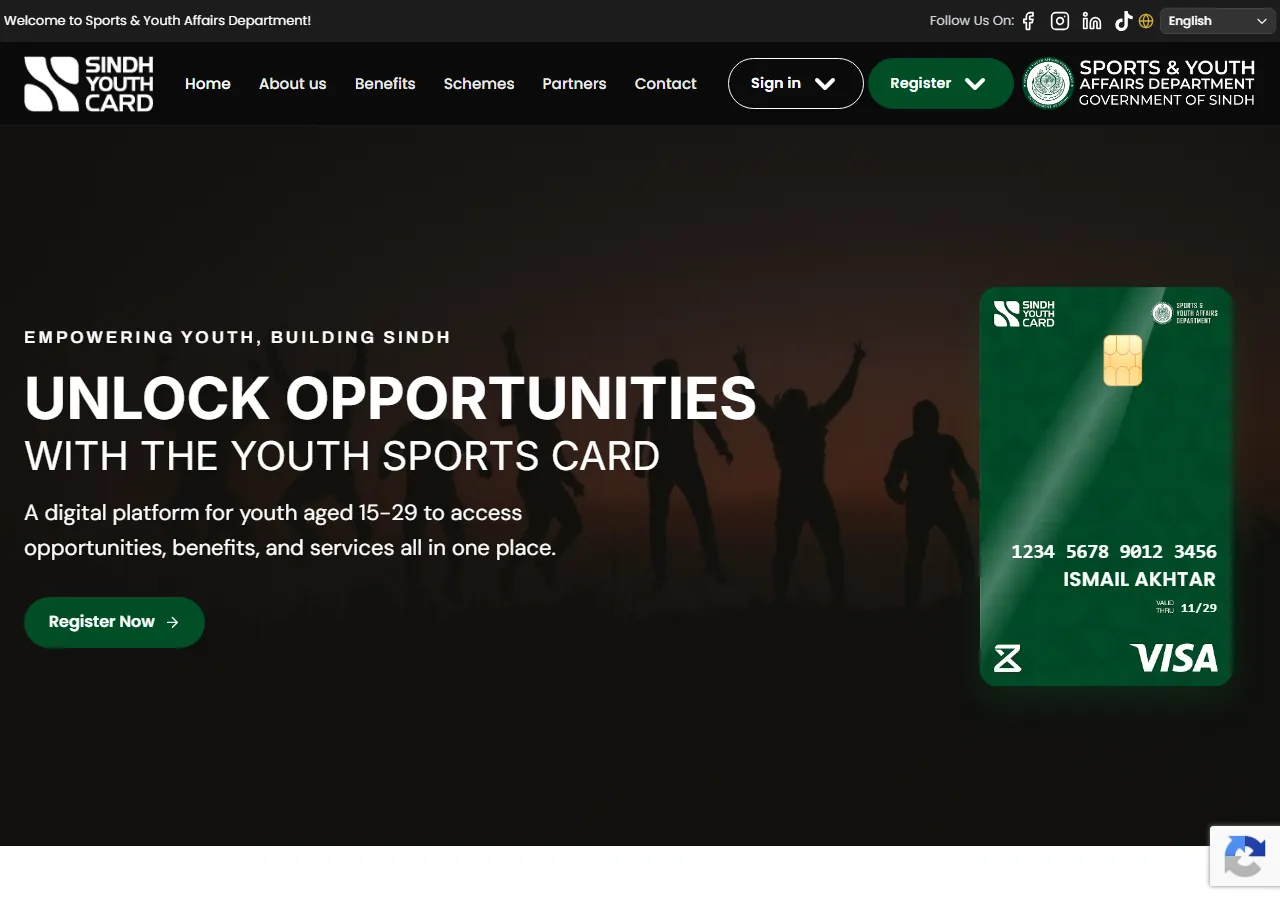
Sign in is in the top menu of the official portal. - Look for your digital cardIf the card is showing, you are registered and verified.
- Check your profileAn incomplete profile can hold up applications for scholarships or jobs, so fill in anything that is missing.
Sign in on the official portal
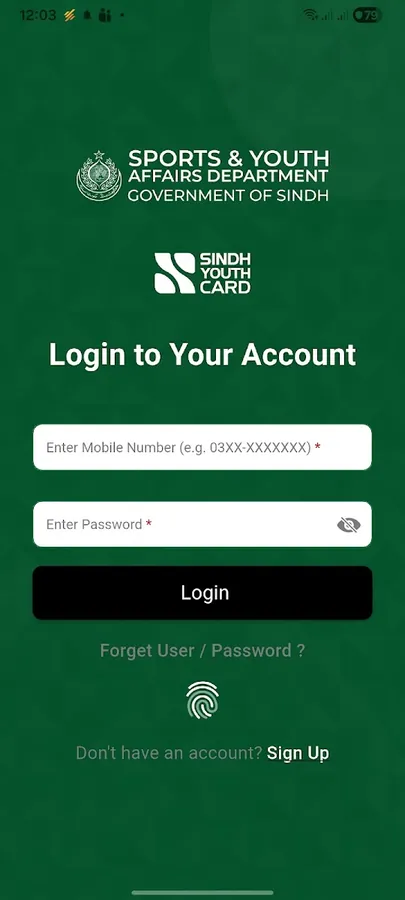
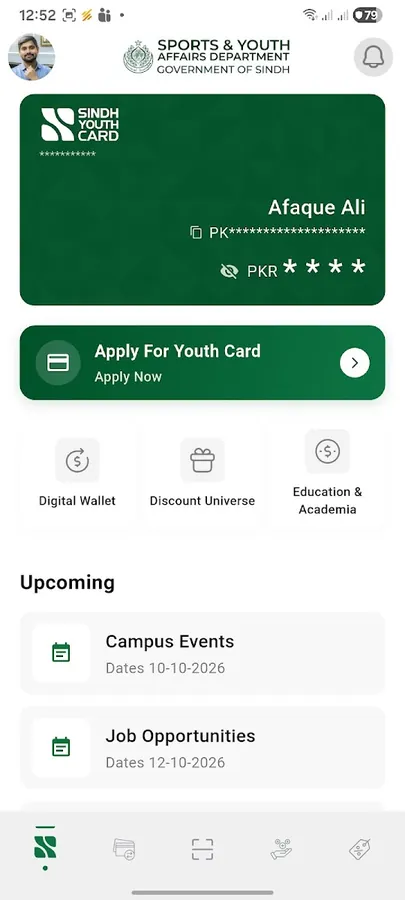
From the official app's Google Play listing.
What your status means
| What you see | What it means | What to do |
|---|---|---|
| Digital card visible | Registration complete | Complete your profile and explore the benefits. |
| Sign-up stops at verification | NADRA biometric check did not pass | Retry in good light. If it keeps failing, have your record checked at a NADRA centre. |
| Cannot sign in at all | Sign-up may not have finished | Go through registration again with the same details. |
| Error or blank screen | Usually a server or app problem | Update the app and try later. See app fixes. |
Because the card is issued the moment verification passes, there is no long "pending" stage for the card itself. Individual benefits such as scholarships may have their own review stages once they open.
Card not received?
Nothing is posted to you. The Sindh Youth Card is a digital card inside the app, so there is no delivery date and no courier tracking.
Helpline and complaints
| Helpline number | 021-99203009 |
|---|---|
| Department | Sports & Youth Affairs Department, Government of Sindh |
| Address | Barrack No. 93, opposite Sindh Assembly Building, Karachi |
| Website | sindhyouthcard.gos.pk |
When you call, have your CNIC or B-Form number, your registered mobile number and a screenshot of the error ready. No dedicated online complaint form has been announced.
Frequently Asked Questions
How do I check my Sindh Youth Card status online?
Sign in to the official app, or tap Sign In on sindhyouthcard.gos.pk. If your digital card is visible, your registration is complete.
Can I check my status by CNIC?
No official CNIC status-check tool exists. Websites that ask for your CNIC to show a status are not official and should be avoided.
Is there an SMS code for status check?
No SMS short code has been announced for the Sindh Youth Card.
When will my card be delivered?
The card is digital and is issued in the app immediately after verification. No physical card or delivery has been announced.
Sindh Youth Card ka status kaise check kare?
Official app ya portal mein sign in karen. Agar aap ka digital card nazar aa raha hai to registration mukammal hai. CNIC se status check karne ka koi official tareeqa nahi hai.
What is the Sindh Youth Card helpline number?
The number shown on the official portal is 021-99203009, at the Sports & Youth Affairs Department in Karachi.